
Inbox AutoFlow
Read and search connected Gmail conversations, surface follow-up opportunities, and compose or send replies without losing the thread.
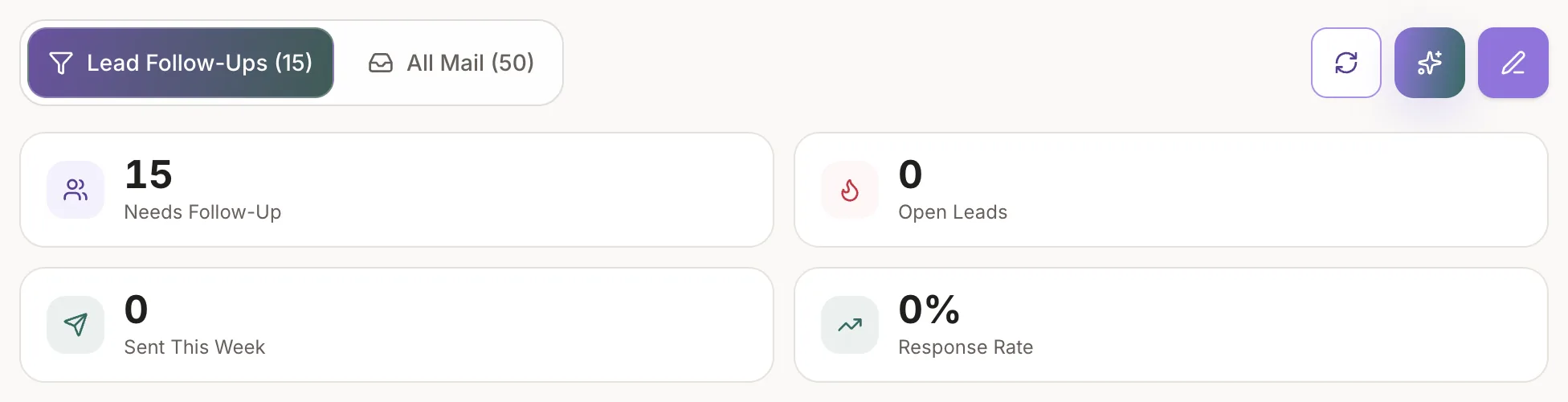
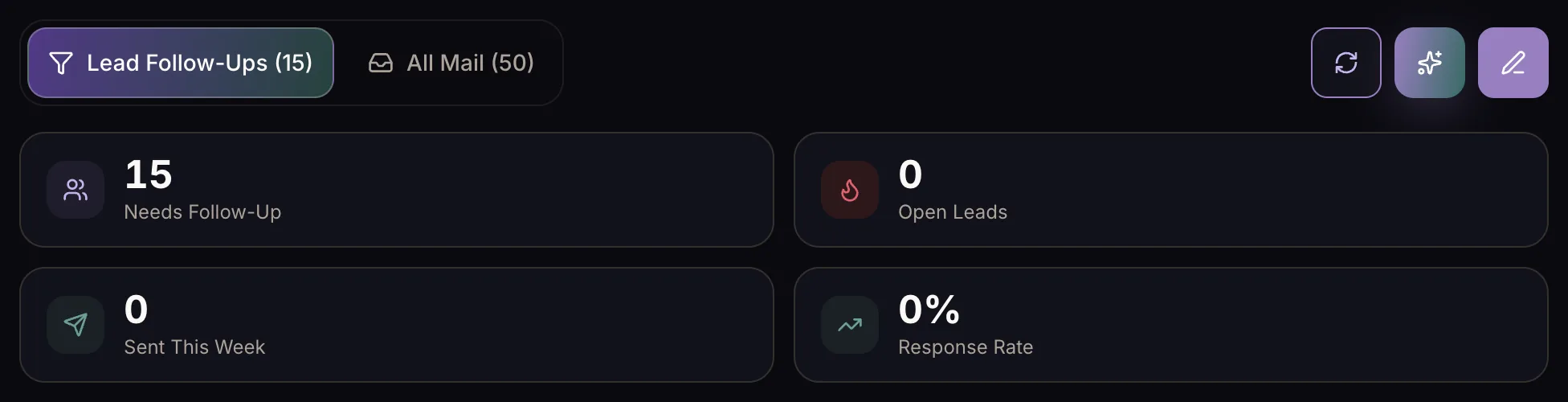
Phantom brings your inbox, follow-up, linked properties, contracts, and business finances into one intelligent workspace.
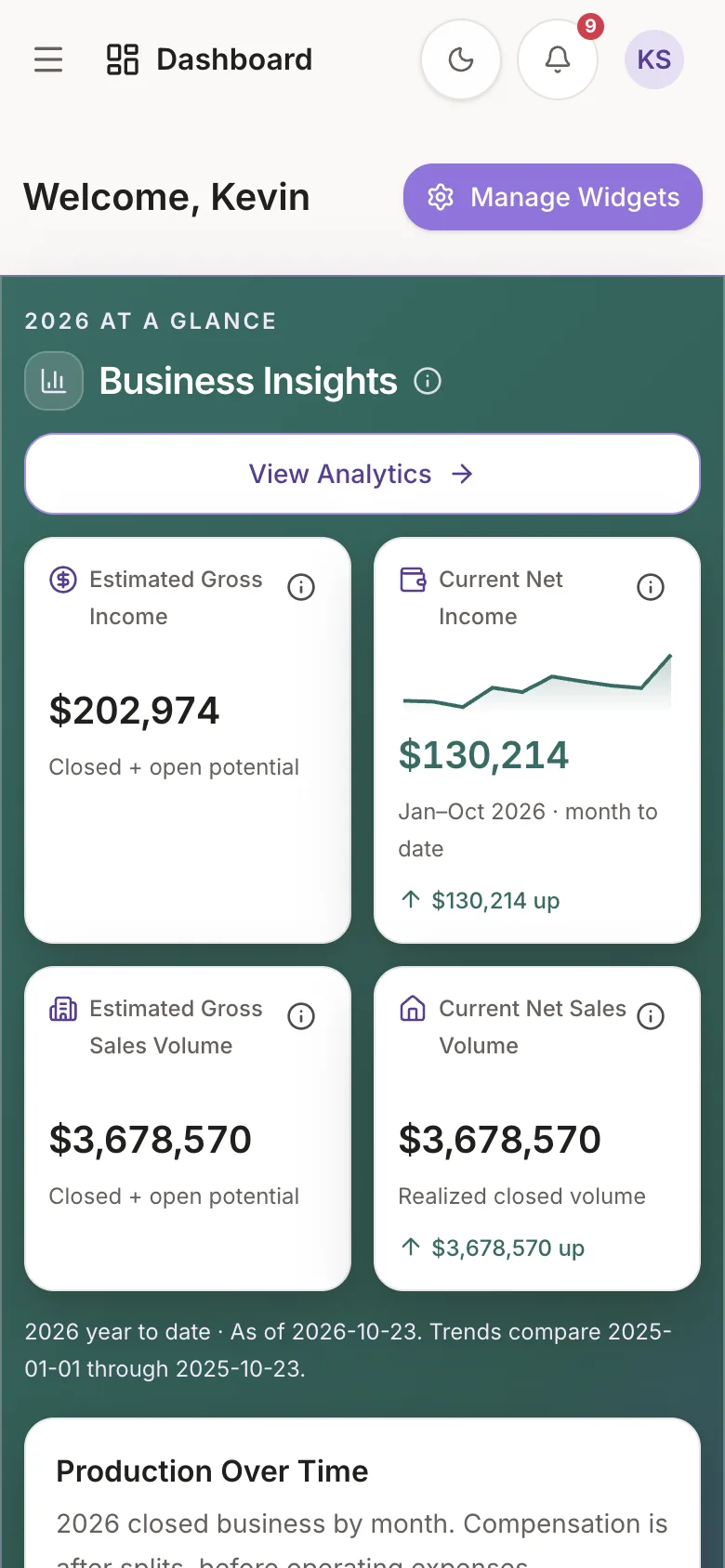
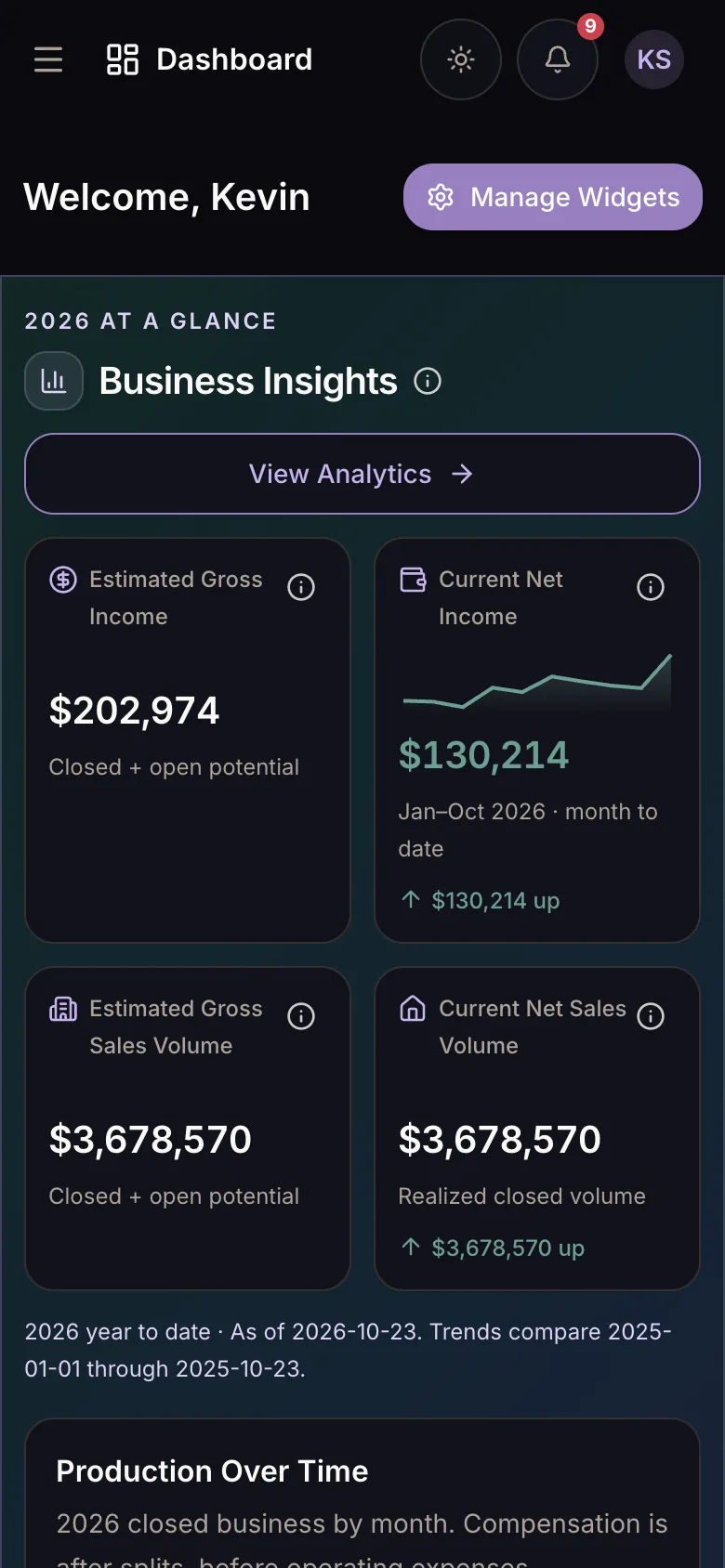
One Connected Platform
Communications, pipeline, properties, finances, and reporting stay connected—so you can spend less time stitching tools together.
Communicate
Read and search connected Gmail conversations, surface follow-up opportunities, and compose or send replies without losing the thread.
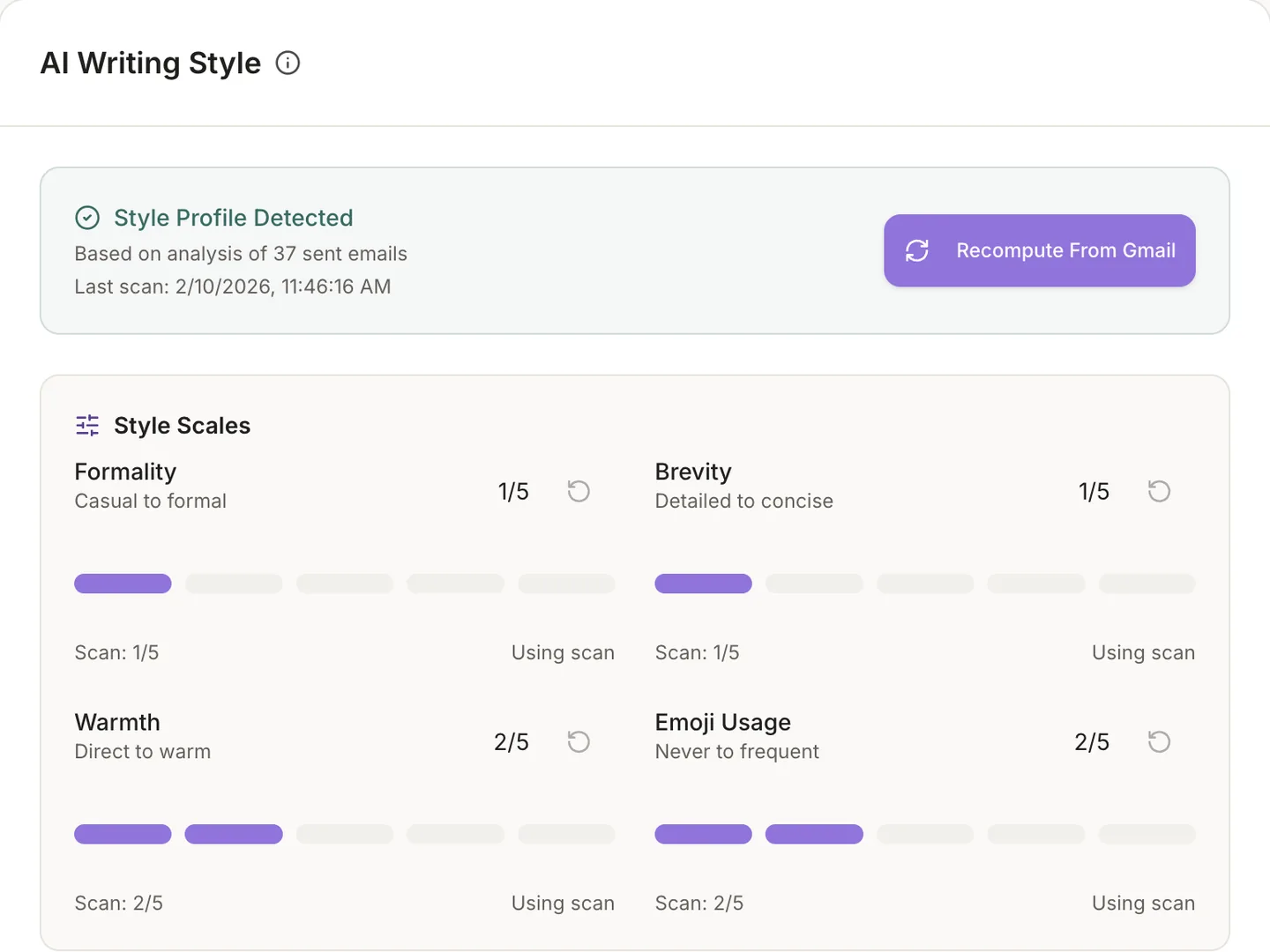
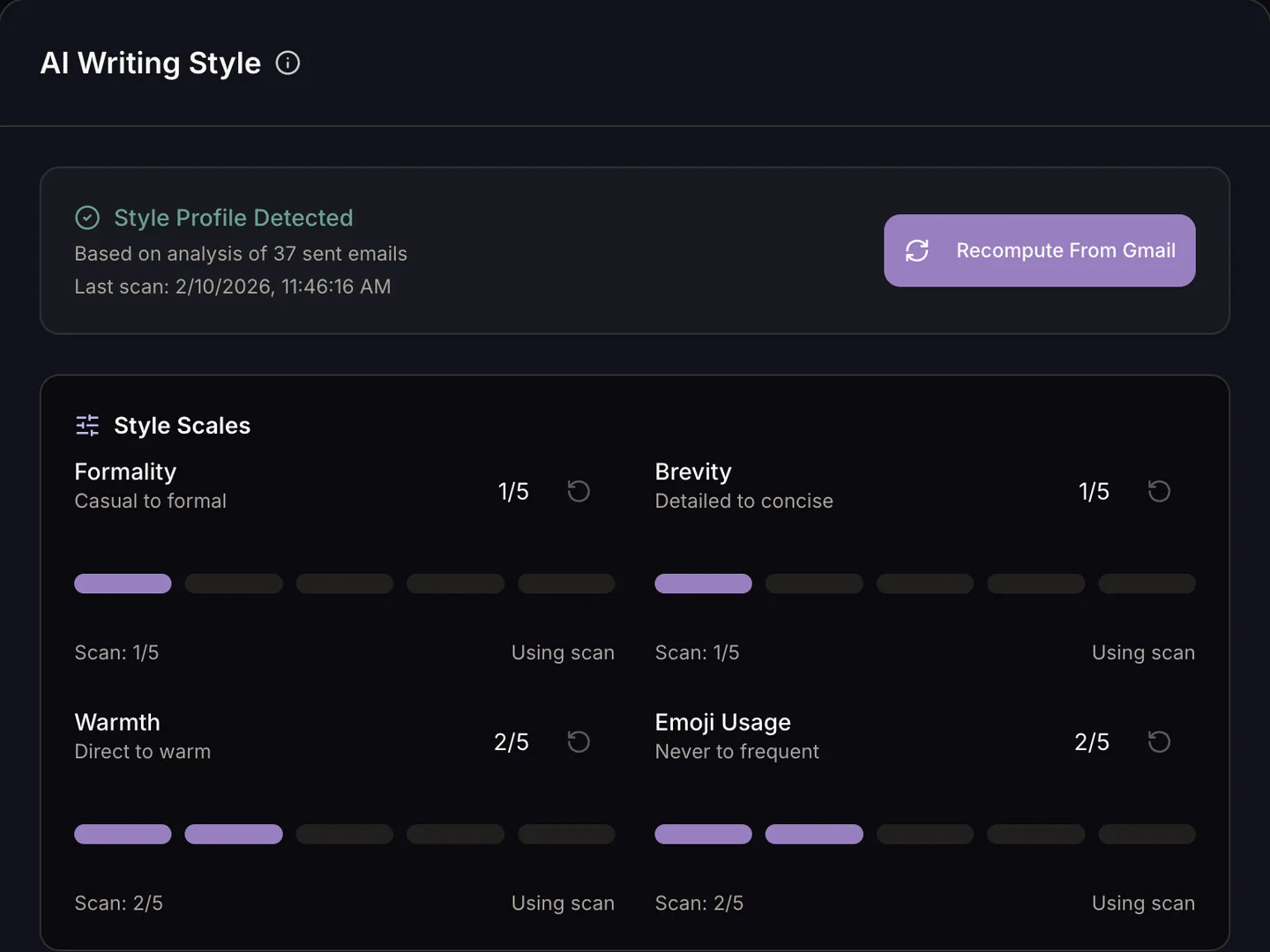
Draft personalized follow-ups and replies using the conversation, relevant listing, contract, and your voice—then review before sending.
Close
Organize contracts by stage, connect clients to linked properties, track contract values, and keep every transaction moving toward close.
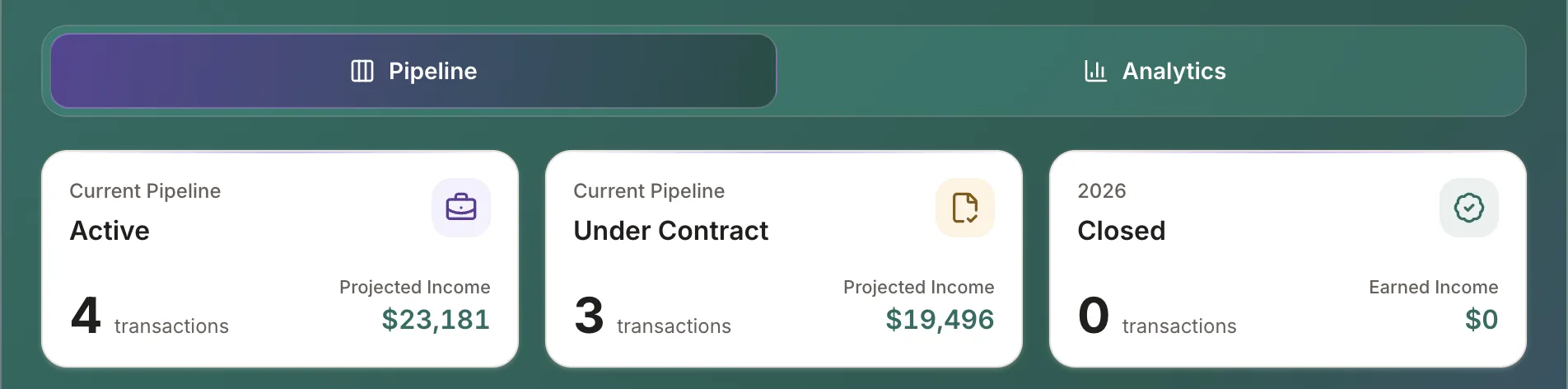
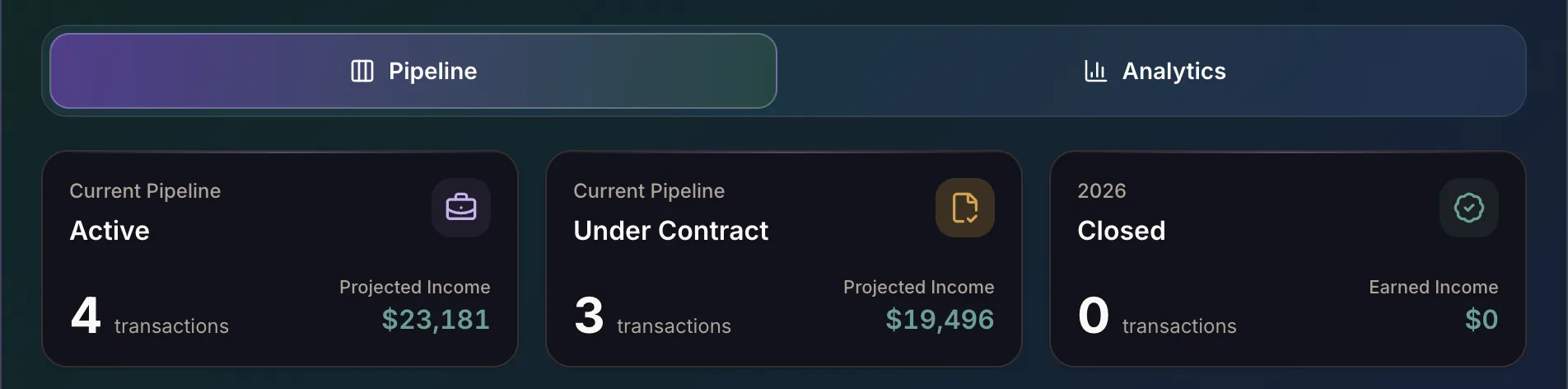
Create detailed listing records with photos, pricing, property facts, and contract context that stays useful across client conversations.
Account
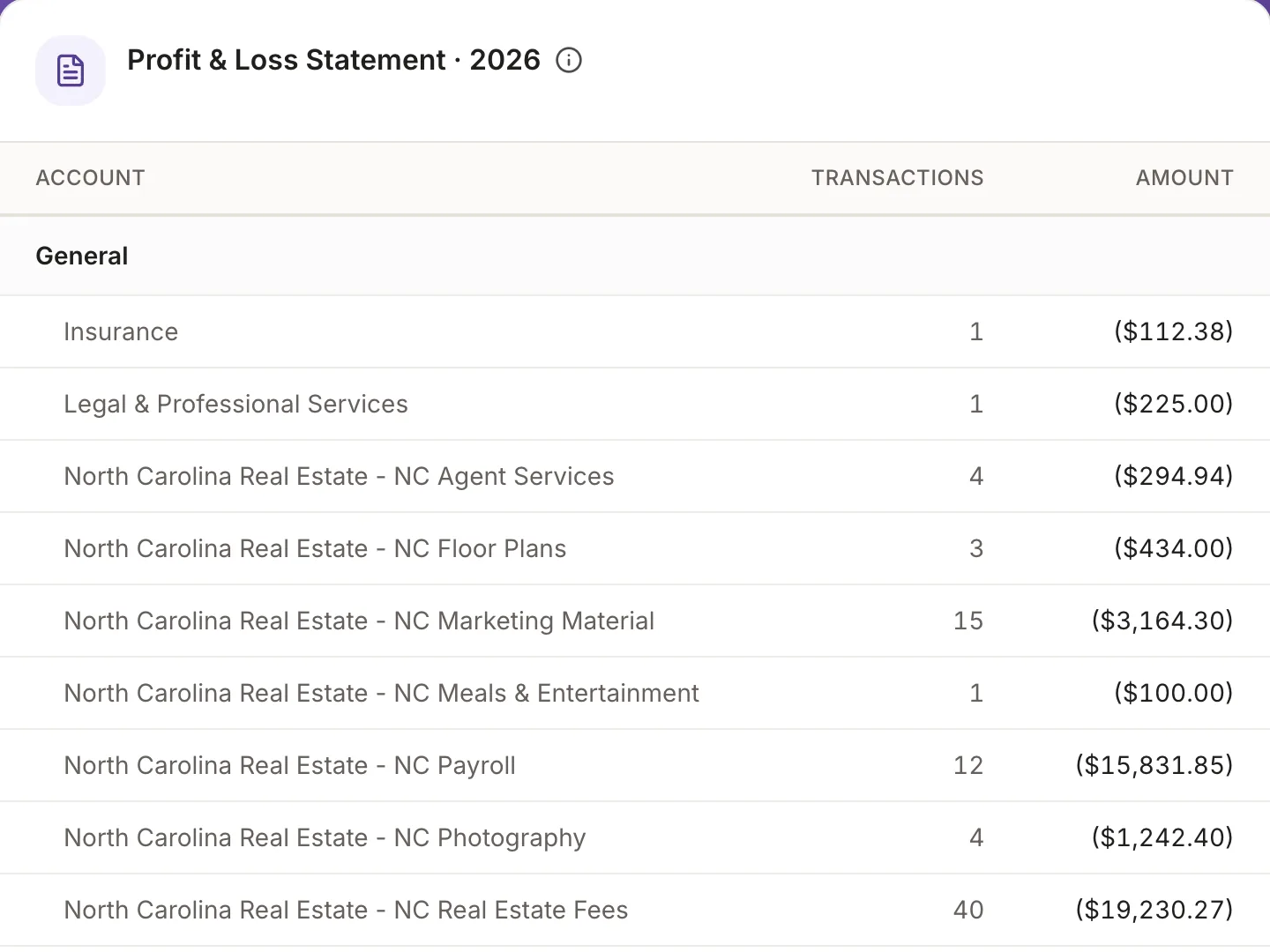
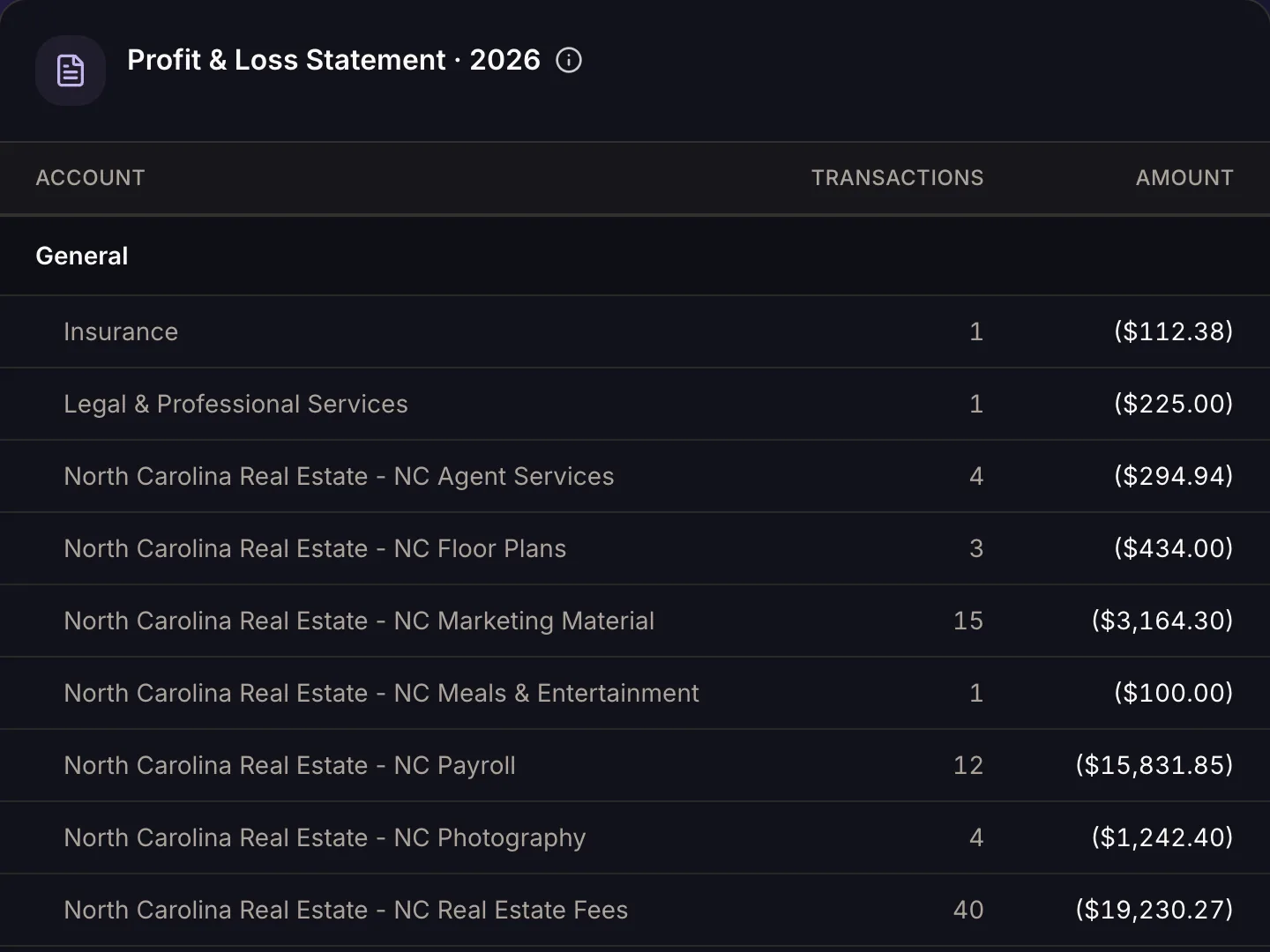
Organize operating expenses by business area and category, attach receipts, and keep the supporting record connected to your ledger.
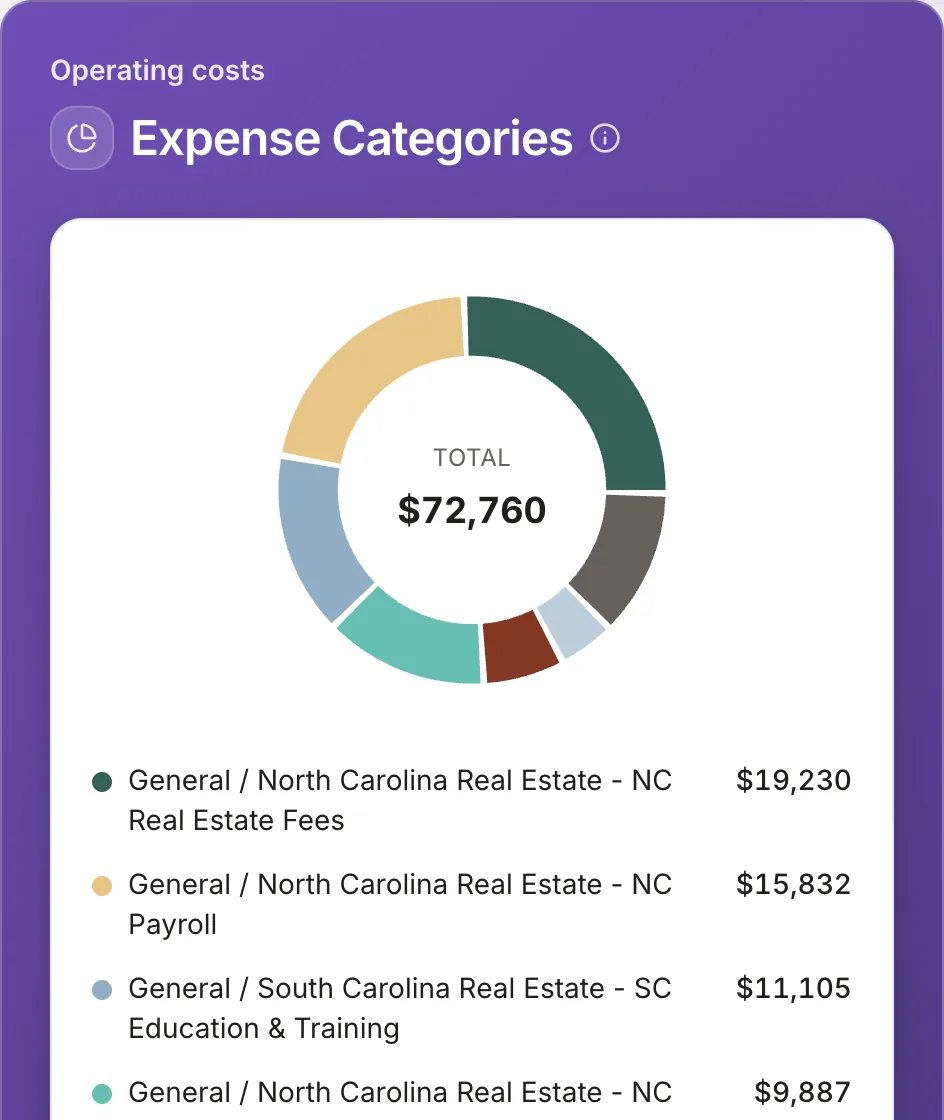
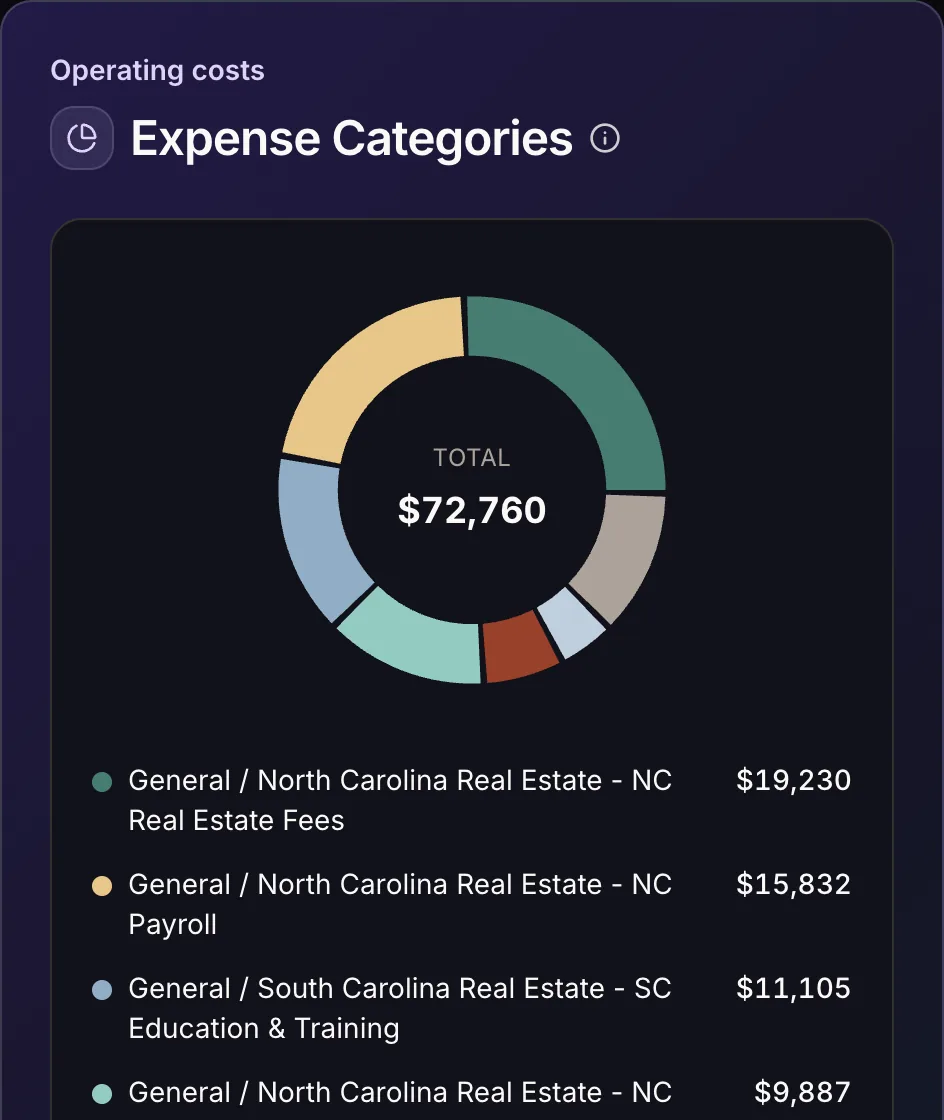
Track commission income from closed contracts alongside expenses, receipts, categories, and year-over-year business performance.
How It Works
Build the record once. Phantom keeps the relevant conversation, property, contract, and financial context available at each next step.
Connect Gmail, then bring your linked properties, contracts, and financial records into one secure workspace.
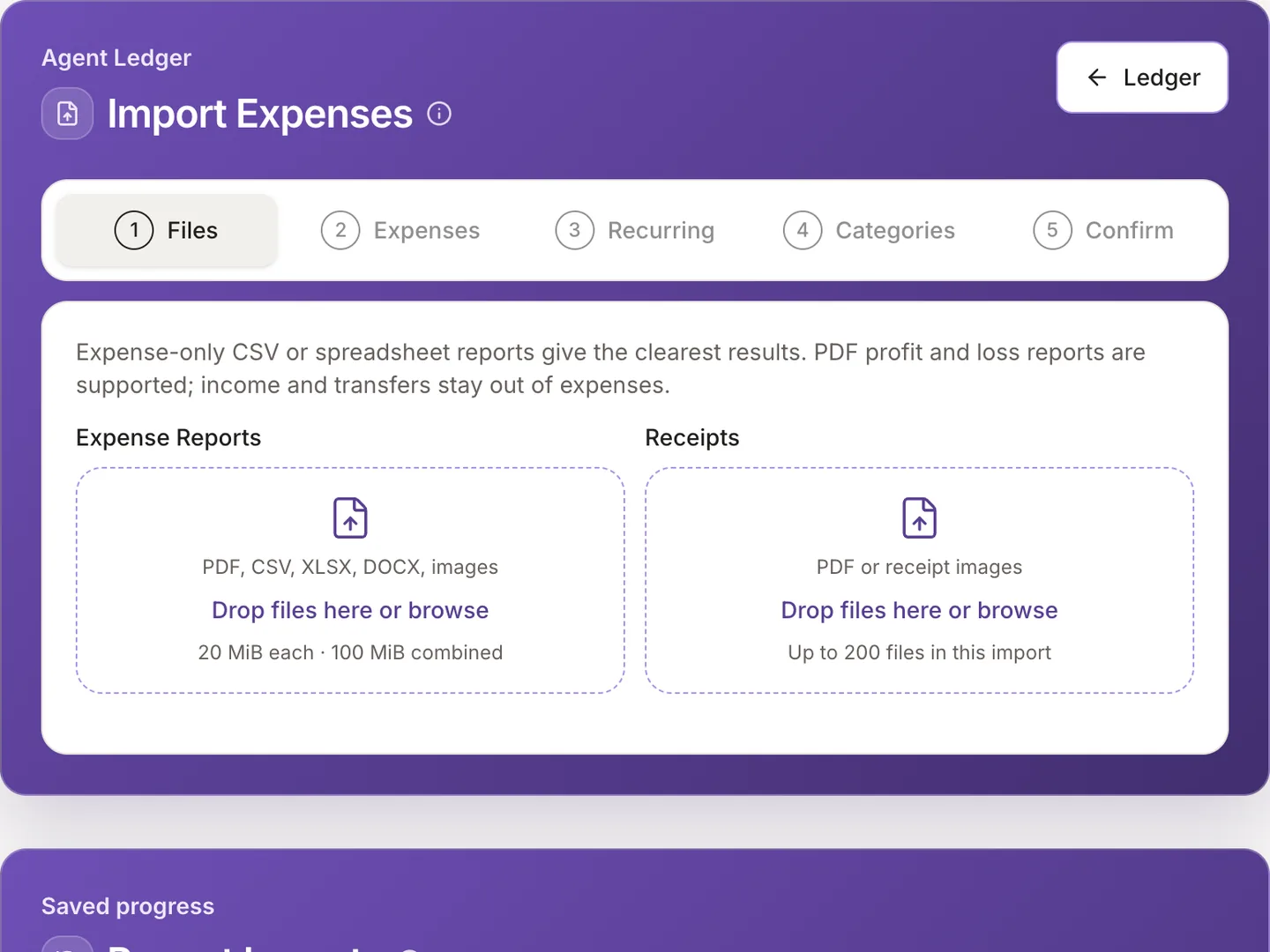
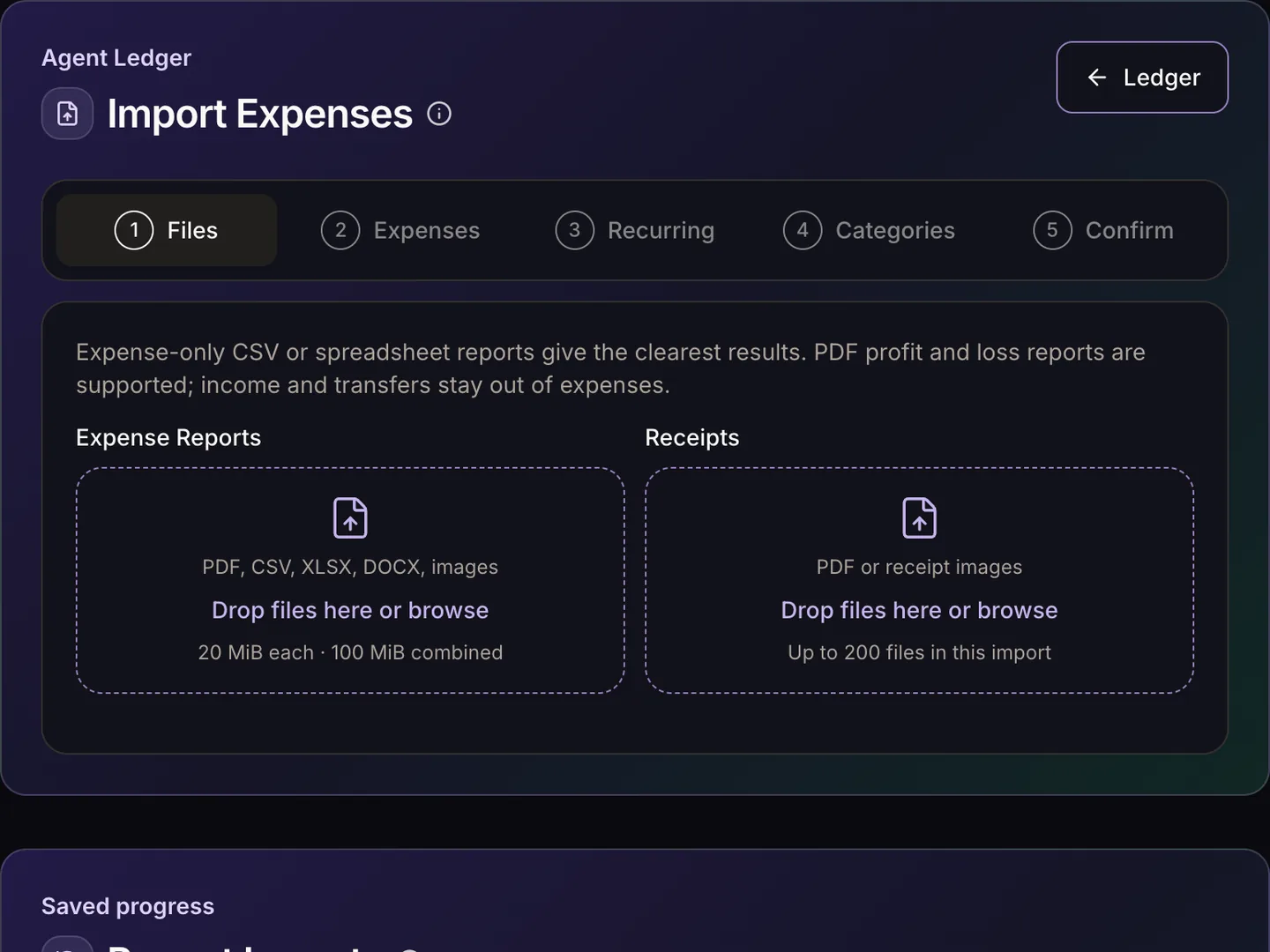
Phantom uses the conversation, listing, contract, and voice context already in your workspace to help draft the right next step.
Track contracts, linked properties, commissions, expenses, receipts, and business performance as the work happens.
Plans and pricing
Standard connects your daily operations. Pro adds tax and contract intelligence, with Mileage Tracker coming soon. Try released Pro features free for seven days.
Pro includes a monthly Contract Intel AI usage allowance. Additional usage is purchased separately with your approval; there are no automatic overage charges. Annual savings apply to the subscription only.
No card required. Your one-time trial begins when your account is created.
Connecting your inbox is a real decision. Phantom has passed Google's security assessment for Gmail access, and it only touches what it needs.
Google requires apps with restricted Gmail access to pass the Cloud Application Security Assessment, built on the OWASP Application Security Verification Standard. TAC Security, an authorized assessor, validated Phantom in May 2026.
Why it matters: An independent assessor has tested Phantom against Google's requirements for Gmail apps.
Google reviewed Phantom's app, the permissions it requests, and its privacy policy before approving its access to Gmail.
Why it matters: You connect through Google's own sign-in, with no unverified-app warning in the way.
Three Google permissions: read your mail, send what you approve, and see your address. Phantom can't delete, edit, or reorganize your inbox.
Phantom follows Google's Limited Use rules: no ads, no selling your data, and no one reads your email without your consent except for security or legal reasons.
Data is encrypted in transit and at rest. Google tokens stay on Phantom's servers, and complete source emails aren't stored with your drafts.
Disconnect Gmail anytime to revoke access and delete its tokens, remove access from your Google account, or delete your Phantom account from Settings.
FAQ
See how Phantom connects your work, uses AI, and keeps you in control of every client-facing action.
Still have a question?
Email the Phantom team at contact@phantomintel.ai.
Make the whole business easier to see
Start with the conversation in your inbox and keep the context through the listing, the close, the ledger, and the year-end report.